




Kingsgrove Branch:
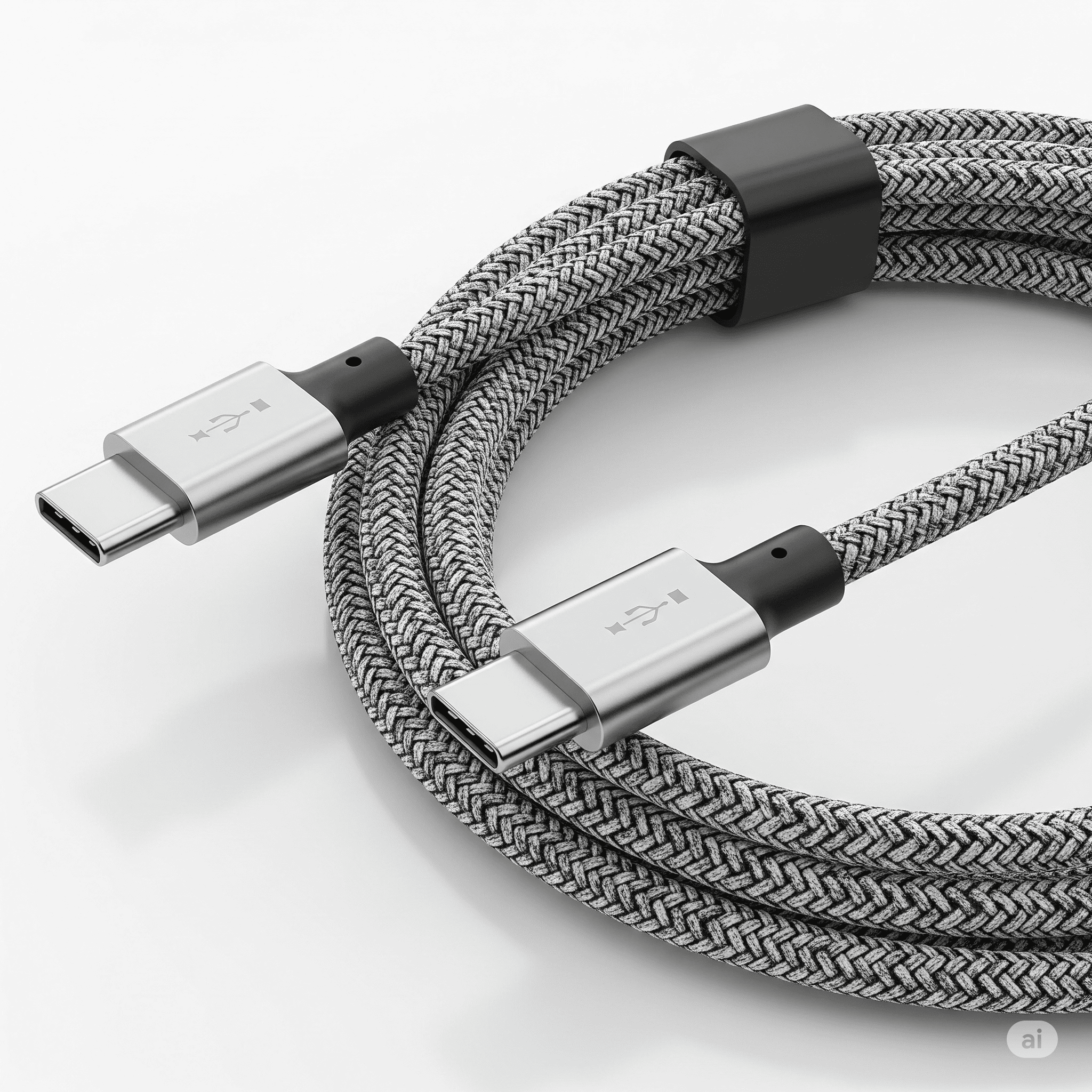
USB C cable, the ubiquitous connectors of our digital age, have revolutionized how we charge and transfer data. From the initial design to the myriad applications and future possibilities, this exploration delves into the intricate world of USB-C cables, examining their history, performance, materials, and the practicalities of choosing the right one for your needs
This comprehensive guide covers everything from the basic features and specifications of various USB-C cable types to the nuanced considerations of performance metrics, cable materials, and practical troubleshooting. We'll also touch on the future of this technology, examining its potential evolution and impact on various industries
USB-C cables have revolutionized how we connect devices. From laptops to smartphones, these cables have become essential for data transfer, charging, and more. This overview delves into their history, features, and diverse applications
USB-C cables emerged as a significant upgrade to older connector types. Their reversible design eliminates the need to align the cable, simplifying connections. The evolution has focused on faster data transfer speeds, higher power delivery capabilities, and improved durability
Various USB-C cable types exist, each tailored for specific needs. Understanding these distinctions is crucial for choosing the right cable. Key differences include data transfer rates, power delivery ratings, and physical characteristics
The USB-C connector's design is crucial for compatibility. Different connector types have distinct implications for data transfer, power delivery, and video output. Mismatched connectors can lead to incompatibility issues
Cable length and gauge significantly affect performance. Longer cables often experience signal degradation, while thinner gauges may struggle with higher data transfer rates. Choosing the appropriate length and gauge is vital for optimal performance
USB-C cables extend far beyond basic data transfer and charging. They enable seamless connectivity for a wide range of devices and tasks, including:
Assessing USB-C cable performance is crucial for informed purchasing decisions. This section details the metrics used for evaluating performance, highlighting factors that influence quality
Key metrics include data transfer rates (measured in Gbps), charging speeds (measured in watts), and power delivery capabilities (measured in watts). These metrics provide a quantitative measure of the cable's efficiency
Different manufacturers offer varying performance levels. Comparing performance benchmarks helps consumers identify reliable and high-performing cables. Reviews and testing results can offer insights
Cable material, shielding, and connector design play significant roles in performance. Robust shielding protects against signal interference, while high-quality materials ensure durability and longevity
Certain USB-C cable designs might have limitations. These can include potential signal degradation over long distances or issues with power delivery in specific scenarios. Careful consideration is needed
Cable length significantly impacts USB-C cable performance. Longer cables often experience signal degradation, leading to slower data transfer speeds and reduced charging efficiency. This is especially true for higher data transfer rates. Signal integrity decreases as the distance increases. Choosing a cable length appropriate for the task is essential
Different cable materials offer varying degrees of durability, flexibility, and environmental impact. A comparative analysis helps in informed selection
Less durable than braided options
Slightly more expensive, slightly less flexible
May not be as durable or environmentally friendly as other options
| Pros | |
|---|---|
| Affordable, relatively flexible | |
| Increased durability, better tensile strength | |
| Various properties depending on the material |
The durability of the cable material directly impacts its longevity. More robust materials, like braided nylon, generally offer a longer lifespan. Material quality influences the cable's ability to withstand daily use, see USB-C to HDMI
Material selection significantly affects flexibility and robustness. Flexibility is important for maneuverability, while tensile strength ensures the cable can withstand bending and pulling. The material must withstand everyday use
The environmental impact of different materials varies. Consider the sourcing and disposal of the material when making a purchase. Prioritize sustainable materials to minimize environmental footprint
Choosing the right USB-C cable involves careful consideration of various factors. This section provides a practical guide for selecting an ideal cable
Budget, compatibility, and performance requirements are crucial. Balancing these factors helps ensure a suitable cable choice. Consider how you'll use the cable daily
USB-C cables are pretty handy, right? They're becoming the standard for a lot of devices, but sometimes you need more. If you're trying to connect something that uses HDMI, like a gaming console or a high-definition monitor, you might need an adapter, like an HDMI to USB-C converter. Check out this article about HDMI to USB-C to see how they work and what to look for
No matter what, USB-C cables are a great way to streamline your tech setup
Different pricing tiers exist for USB-C cables, each with associated trade-offs. Higher-priced cables often offer superior performance and durability
| Suitable Cable Type |
|---|
| USB-C to USB-C, USB-C to Thunderbolt |
| USB-C to USB-C |
| USB-C to USB-C |
Cable quality directly impacts device performance and longevity. High-quality cables ensure stable connections and prevent damage to devices. The better the cable, the better the connection
Troubleshooting common USB-C cable problems is essential. This section offers guidance on resolving various issues
Connection issues, slow data transfer rates, and charging problems are common. Understanding the root cause is crucial for effective troubleshooting
Troubleshooting steps include checking connections, verifying device settings, and assessing cable integrity. Cable connections must be secure
USB-C cables are a game-changer, offering speed and versatility. Choosing the right USB-C charger is crucial for optimal performance, as you need a charger that effectively supports your cable. Check out this helpful guide on USB-C chargers for tips on picking the perfect match. Ultimately, the right cable and charger combo ensures a smooth, efficient experience, leaving you ready to go with your USB-C setup.
Replace cable, check connector
Ensure tight connection, check cable
| Potential Cause | |
|---|---|
| Damaged cable, faulty connector | |
| Loose connection, faulty cable |
Proper handling and storage techniques can significantly extend a USB-C cable's lifespan. Avoid excessive bending and sharp objects. Store cables in a safe, organized manner
Future USB-C cable technology promises enhanced performance and new applications. This section explores emerging trends
Higher data transfer rates, faster charging speeds, and enhanced power delivery capabilities are expected. New materials and designs are under development
New applications and advancements are anticipated. Increased use in industrial and automotive sectors is possible
New materials and designs could enhance performance. Flexible cables, more durable materials, and improved shielding could be key developments
Future trends will likely impact existing devices and standards. Upgrades and compatibility with existing infrastructure will be necessary. Existing standards may need to adapt to the new technologies
This section Artikels the structure of a comprehensive article on USB-C cables
A detailed table of contents will be included. A comprehensive list of sections and sub-sections will be provided. The content will be organized logically
The article will maintain a clear and logical flow. A structured approach will ensure coherence and clarity.
The introduction will set the context for the entire article. It will provide a compelling overview
The conclusion will summarize key takeaways and offer a future outlook. A concluding statement will be provided
In conclusion, USB-C cables have transcended their initial purpose, evolving into indispensable tools for our digital lives. Understanding their history, performance, material considerations, and practical applications is crucial for making informed choices. Whether you're a seasoned tech enthusiast or a curious beginner, this guide provides the knowledge and insights necessary to navigate the world of USB-C cables with confidence
What are the different types of USB-C connectors?
USB-C connectors come in various forms, each designed for specific applications and compatibility. Some are optimized for high-speed data transfer, while others are focused on higher-power charging. Understanding these differences is key to ensuring compatibility with your devices
How do I choose the right USB-C cable length?
Cable length is crucial, especially for mobility. Consider the distance between your device and the power source. Shorter cables are more convenient, but longer cables offer greater flexibility for positioning. Also consider the intended use case; a cable for a desktop setup will have different length needs compared to a portable one
Can I use a USB-C cable for all USB-C devices?
Not all USB-C cables are created equal. Some are optimized for data transfer, while others prioritize high-power charging. Always check the specifications of the cable and the device to ensure compatibility
What are some common problems with USB-C cables?
Common issues include loose connections, slow data transfer rates, and charging problems. These can often be resolved by checking the connections, ensuring compatibility, and, if necessary, replacing the cable
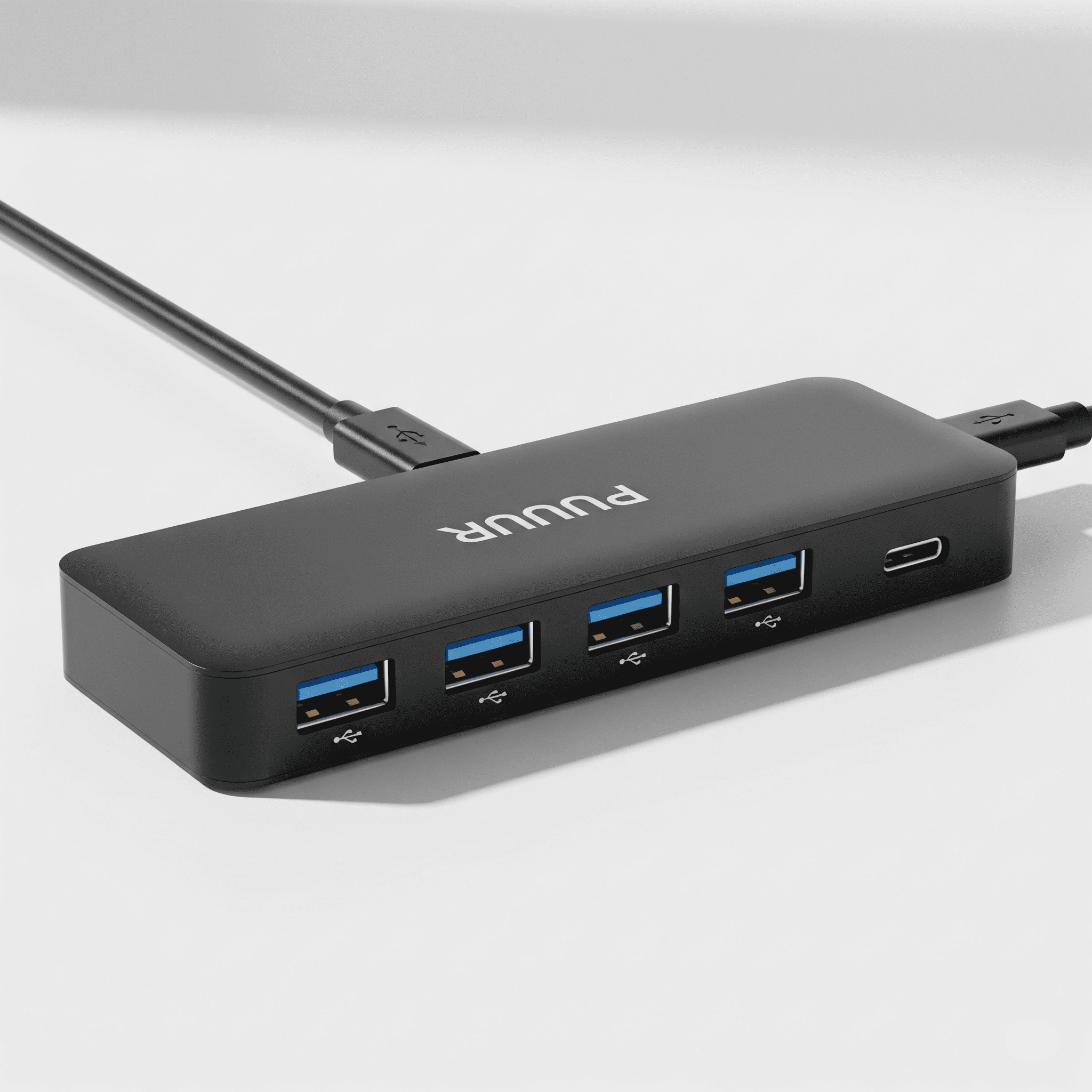
USB hub: Your gateway to a connected world. Imagine a single USB port magically multiplying into a plethora of possibilities, connecting everything from your high-speed printer to your intricate gaming peripherals. This comprehensive guide delves into the fascinating world of USB hubs, exploring their diverse types, technical specifications, and applications. Get ready to unlock the full potential of these essential connectivity tools
From the humble beginnings of USB 2.0 to the blazing speeds of USB 3.2, we'll explore the evolution of USB hubs and their impact on our daily lives. We'll uncover the intricacies of data transfer protocols, power management techniques, and compatibility issues. We'll even delve into the future of USB hubs and how they're poised to continue shaping technology
USB hub are essential components in computer systems, allowing multiple devices to connect to a single port. They've become ubiquitous, connecting everything from keyboards and mice to external hard drives and printers. Understanding their functionality, evolution, and applications is key to making the most of your digital ecosystem
USB hubs act as a central point for multiple peripheral devices, essentially multiplying the available ports on a computer. They translate the single USB connection into multiple outputs, making it easier to manage and connect various devices. Different types of hubs cater to various needs, from compact portable ones for laptops to larger desktop models with more ports, see USB C cable
Internal hubs are also available for situations where external connectivity isn't ideal
USB hubs emerged as a solution to the limited port availability on early computers. Their development paralleled the growth of USB technology itself, becoming more sophisticated with each USB standard upgrade. The increasing number of devices requiring connectivity fueled the evolution of USB hubs, improving their speed and functionality to accommodate modern needs
Different USB standards, such as USB 2.0, 3.0, 3.1, and 3.2, impact the hub's performance. Each standard has varying data transfer rates, affecting how quickly data can flow between the hub and connected devices. A USB 3.2 hub, for example, offers significantly faster speeds compared to a USB 2.0 hub, crucial for high-bandwidth devices like external hard drives
USB hubs come in various physical forms, catering to different user needs and environments. Desktop hubs often feature numerous ports and are well-suited for stationary setups. Portable hubs are compact and ideal for mobile users. External hubs connect to the computer's exterior, while internal hubs are integrated into the computer's chassis. Each form factor is optimized for a specific user need
USB hubs can be categorized based on factors like the number of ports, supported USB standards, and power delivery capabilities. Hubs designed for high-speed data transfer, for instance, might be preferred for professional multimedia applications or high-resolution displays. Similarly, hubs with high power delivery capabilities are crucial for connecting power-hungry devices like external hard drives or graphics cards
The unique application of a hub depends on the requirements of the connected devices
USB hubs have limitations in bandwidth and power delivery, which directly affect the performance of connected devices. Higher bandwidth hubs are essential for high-resolution displays or data-intensive applications. Adequate power delivery is crucial for ensuring that connected devices receive the necessary power, especially for devices with high power consumption. These specifications are vital considerations when choosing a USB hub
A USB hub comprises a hub controller, ports, and a power management system. The hub controller manages communication between the connected devices and the computer. Ports provide the physical connection points. The power management system distributes power to the connected devices, ensuring stable operation
Power management in USB hubs involves various techniques to conserve power and prolong the life of connected devices. These techniques include automatic power-down modes for devices that aren't actively using power and intelligent power distribution to ensure efficient use of power for each device
Different USB hub chipsets offer varying performance characteristics. Some chipsets excel in high-speed data transfer, while others prioritize power efficiency. Understanding the strengths and weaknesses of different chipsets is essential for selecting the appropriate hub for a specific application
USB hubs employ various data transfer protocols to ensure efficient and reliable data transmission. These protocols are designed to optimize data transfer rates and reliability for various devices
USB controllers play a crucial role in managing data transfer through the hub. They act as intermediaries, ensuring seamless communication between the hub and the connected devices
Data transmission through a USB hub involves addressing and arbitration processes to ensure that only one device transmits data at a time. These mechanisms prevent data collisions and ensure reliable data transfer
High-speed data transfer protocols in USB hubs are essential for applications demanding rapid data transmission, such as multimedia playback or data transfer. The protocols optimize data transfer for maximum efficiency and speed
USB hubs are versatile components with applications ranging from personal computers to industrial automation. Their adaptability makes them suitable for a wide array of use cases
In various industries, including healthcare, manufacturing, and automotive, USB hubs are utilized for diverse tasks. Their adaptability makes them essential components in these settings
Numerous devices and systems leverage USB hubs, from medical imaging equipment to industrial control systems. The use cases are extensive and demonstrate the versatility of this technology
Low
Low to Medium
Low to Medium
Variable
| Required Bandwidth | |
|---|---|
| Low to Medium | |
| Medium to High | |
| High | |
| Variable |
Users encounter various compatibility problems with USB hubs, often due to driver issues, hardware conflicts, or incompatibility between the hub and the connected device
Troubleshooting compatibility issues involves checking drivers, updating software, and ensuring proper connections. Solutions are often straightforward and can be addressed with careful inspection
Potential hardware and software conflicts can arise from incompatible drivers or outdated operating systems. Ensuring compatibility between the hub and the connected devices is crucial for smooth operation
Several factors can influence compatibility problems, including the USB standard of the hub, the drivers for the devices, and the operating system
Power management techniques in USB hubs aim to conserve power and prolong the life of the hub and connected devices. Efficient power management is essential
The distribution of power among connected devices is managed by the hub's power management system. This ensures that each device receives the necessary power
Different devices have different power requirements, and the hub must be able to provide the necessary power to each device
Future USB hub designs will likely focus on increased speed, improved power efficiency, and more compact form factors
Emerging technologies like new data transfer protocols and advancements in power delivery will shape the future of USB hubs
Innovative USB hub designs will address specific user needs, like compact hubs for mobile devices or hubs with integrated charging capabilities
USB hubs are compared with other peripheral connectivity options like Thunderbolt and Ethernet, each having its strengths and weaknesses
USB hubs are lifesavers, especially when you've got a bunch of devices needing power. Think about it – a single USB-C port isn't always enough, right? For that extra juice, you might need a great USB C charger to keep everything running smoothly. Luckily, a good hub can handle all those connections, making sure your gadgets are always charged and ready to go
So, next time you're looking for a reliable way to manage your tech, remember the fantastic power of a USB hub
USB hubs, Thunderbolt, and Ethernet each have distinct advantages and disadvantages, suitable for different applications
Different scenarios call for different connectivity options. Choosing the right option depends on the specific needs of the application
| USB Hub | Ethernet |
|---|---|
| Variable | High |
| Low | Low |
| High | Low |
Designing a high-performance USB hub requires careful consideration of cost-effectiveness, power efficiency, and heat dissipation
The selection of components for a high-performance USB hub is critical to its overall functionality
Troubleshooting USB hub problems involves systematically identifying and resolving issues related to device recognition and connectivity
A structured approach to troubleshooting USB hub problems is essential to identify the root cause and implement the correct solution
Crafting a comprehensive 1500+ word article on USB hubs requires a well-structured approach to ensure balanced coverage of various aspects
Effective organization of content is vital for a 1500+ word article, ensuring clarity and readability
Maintaining a balanced structure across different sections is critical for conveying a thorough understanding of USB hubs
In conclusion, USB hubs are more than just simple connectors; they're versatile tools that seamlessly integrate into various applications. Their adaptability, from everyday use to specialized industrial tasks, highlights their crucial role in modern technology. Understanding their technical specifications, compatibility issues, and future advancements is key to maximizing their potential. We hope this guide has equipped you with the knowledge to confidently navigate the world of USB hubs and unlock their full potential
What are the different types of USB hubs?
USB hubs come in various forms, including desktop, portable, and internal models. The type you choose depends on your specific needs and available space
What are common compatibility issues with USB hubs?
Compatibility problems can arise due to differences in USB standards, faulty hardware, or driver conflicts. Checking for updates and ensuring device compatibility are important steps
How can I troubleshoot USB hub problems?
Troubleshooting involves checking connections, ensuring drivers are up-to-date, and checking for physical damage. If problems persist, consult the manufacturer's support
What are the future trends in USB hub technology?
Expect advancements in speed, power delivery, and energy efficiency. Future hubs may integrate with other technologies for even more seamless connectivity
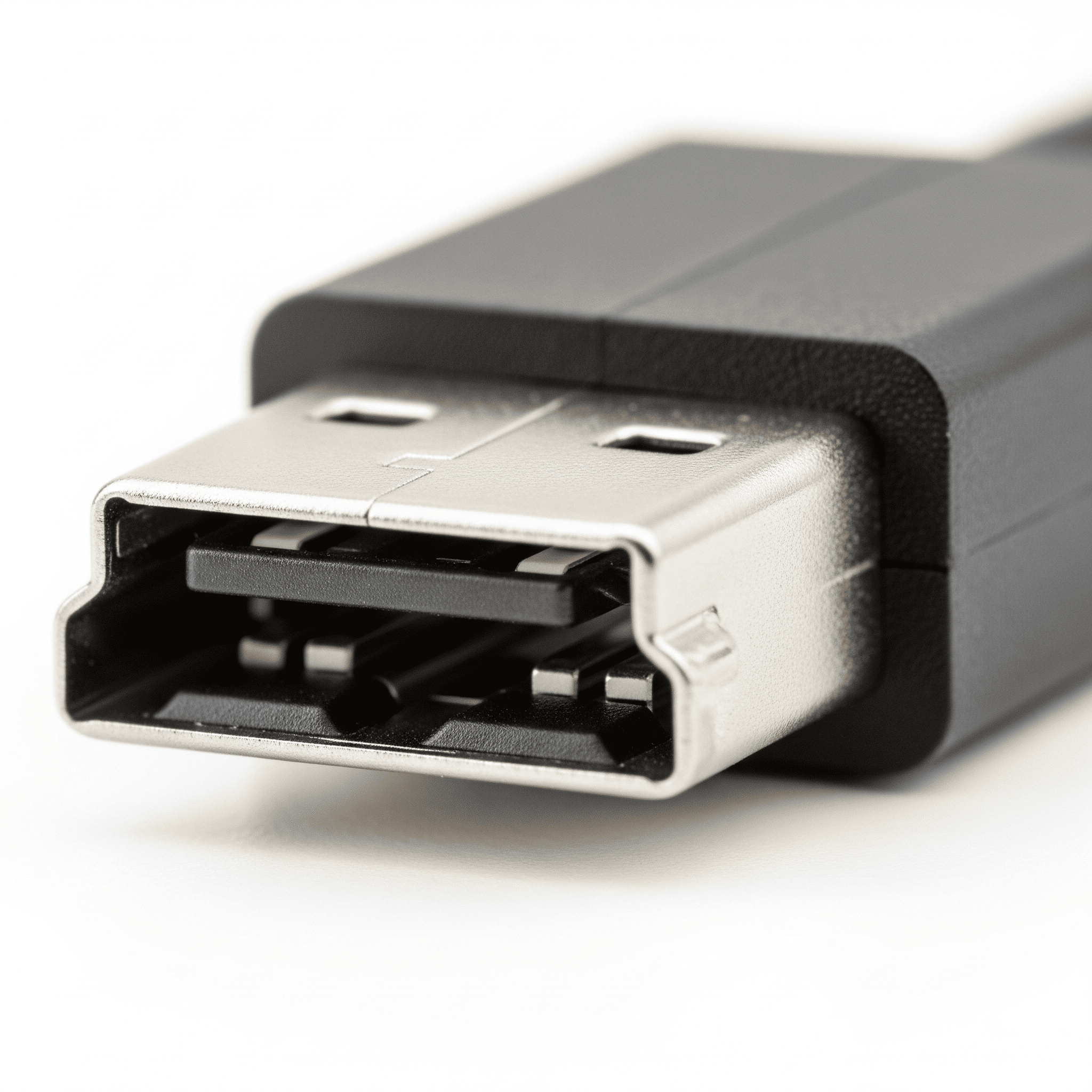
USB B, a ubiquitous yet often overlooked connector, holds a surprising history and continues to play a vital role in our digital world. From humble beginnings to modern applications, this guide explores the evolution, intricacies, and future of USB-B, revealing its continued relevance in a rapidly changing tech landscape. We'll uncover the technical specifications, troubleshooting tips, and even consider its impact on sustainability and accessibility
This comprehensive exploration of USB-B delves into its past, present, and future, offering a detailed understanding of this versatile interface. Expect a journey through its historical context, modern applications, and a peek into potential future advancements. Let's embark on this fascinating journey
USB-B, a ubiquitous interface, has played a significant role in connecting various devices for decades. Its journey from humble beginnings to its current applications is a testament to its enduring value Understanding its history, specifications, and applications is crucial for anyone working with or around this technology
USB-B, in its various iterations, has been a constant presence in our digital lives. Its evolution from earlier versions to its current state is a story of adapting to the ever-increasing demands of data transfer and power delivery. Early versions focused on basic data transfer, while later versions incorporated more robust power delivery capabilities. This adaptability is a key factor in its enduring popularity
USB-B interfaces are defined by a set of key specifications. Physical dimensions vary depending on the specific version, influencing its compatibility with different devices. Data transfer rates have evolved significantly over time, reflecting advancements in technology. Power delivery capabilities have also increased, enabling the connection of more demanding devices. These characteristics collectively shape the utility and applicability of USB-B in various settings
Different types of USB-B connectors exist, each serving a unique function. These variations are crucial for ensuring compatibility and preventing errors. Understanding these nuances is essential for effectively utilizing USB-B connections
USB B interfaces continue to be a prevalent choice for various contemporary applications. Its versatility is a key factor in its continued use
USB-B ports, while a bit outdated, still pop up in some places. Thinking about upgrading to a modern USB-C charger like this one usb c charger might be a good idea, since it's super versatile. USB-B, though, remains a solid connector for certain tasks, especially older devices
A wide range of modern devices utilize USB-B connections, including printers, scanners, external hard drives, and certain types of peripherals. This extensive compatibility reflects the enduring relevance of USB-B in various contexts
USB-B, a familiar friend in the tech world, is a bit of a relic these days. But did you know that HDMI to USB-C adapters are all the rage now? They're super handy for connecting devices that don't have the usual USB-B ports, like those old but still-loved TVs or consoles, check out the latest on HDMI to USB C for more on this! Fortunately, USB-B is still relevant for many older peripherals, making it a worthwhile standard to understand
Comparing USB-B with other interfaces like USB-C or Thunderbolt reveals both advantages and disadvantages. USB-B often offers a more cost-effective solution for certain applications, while USB-C provides greater flexibility and faster data transfer rates. The choice depends heavily on the specific needs of the application
Some challenges associated with using USB-B include limitations in data transfer rates compared to newer technologies. Potential solutions involve utilizing higher-speed versions of USB-B or exploring alternative interfaces
USB-B remains relevant in industries where its features provide a cost-effective and functional solution. This includes industrial automation, point-of-sale systems, and specialized medical devices
The technical specifications of USB-B encompass several crucial elements. Understanding these specifications is essential for proper implementation
Electrical protocols, signal levels, and error correction mechanisms are fundamental aspects of USB-B implementation. These factors directly influence the reliability and efficiency of data transfer
The practical implementation of USB-B involves hardware and software components. The hardware component includes the physical connector, while the software component manages the communication protocols
Troubleshooting USB-B connection problems can involve both hardware and software approaches. Identifying the root cause of the issue is crucial for effective troubleshooting, see USB hub
| Data Transfer Rate | Compatibility |
|---|---|
| Low | Older peripherals |
| Moderate | Some modern peripherals |
| High | Modern peripherals |
Safety standards and regulations are paramount in the design and manufacturing of USB-B devices
Compliance with safety standards ensures user safety and prevents potential hazards
Grounding and shielding techniques are crucial for mitigating electrical hazards
Regulatory compliance requirements vary by region or jurisdiction, necessitating adherence to specific standards
The future of USB-B is poised for evolution, potentially incorporating advancements in data transfer rates and power delivery capabilities
Future directions may involve integration with emerging technologies, further enhancing its functionality
| Potential Applications | Associated Costs |
|---|---|
| High-performance peripherals | Moderate increase |
| Portable devices | Slight increase |
In conclusion, USB-B, despite its seemingly simple form, embodies a fascinating blend of history, technology, and future potential. From its role in powering essential devices to its influence on sustainable practices and accessibility, its story is one of enduring innovation. As we've seen, this humble connector has a surprising amount to teach us about the ever-evolving digital world
What are the common troubleshooting steps for USB-B connection problems?
First, check the physical connection. Ensure the cable is securely plugged into both devices. If the problem persists, try a different USB-B cable. Next, update the device drivers for the USB-B port and the connected device. If the issue persists, check for conflicts with other devices or software using the same USB ports
Finally, try restarting both the computer and the device
How does USB-B compare to other modern interfaces?
USB-B's strengths lie in its compatibility with older devices and its reliable, consistent performance. However, its data transfer speeds are often slower than newer interfaces like USB-C. The choice between USB-B and other interfaces depends on the specific needs of the application and the existing infrastructure
What are some safety considerations when using USB-B?
Always ensure proper grounding and shielding to prevent electrical hazards. Be mindful of potential voltage surges and avoid using damaged cables or ports. Consult manufacturer guidelines for specific safety instructions for your USB-B devices
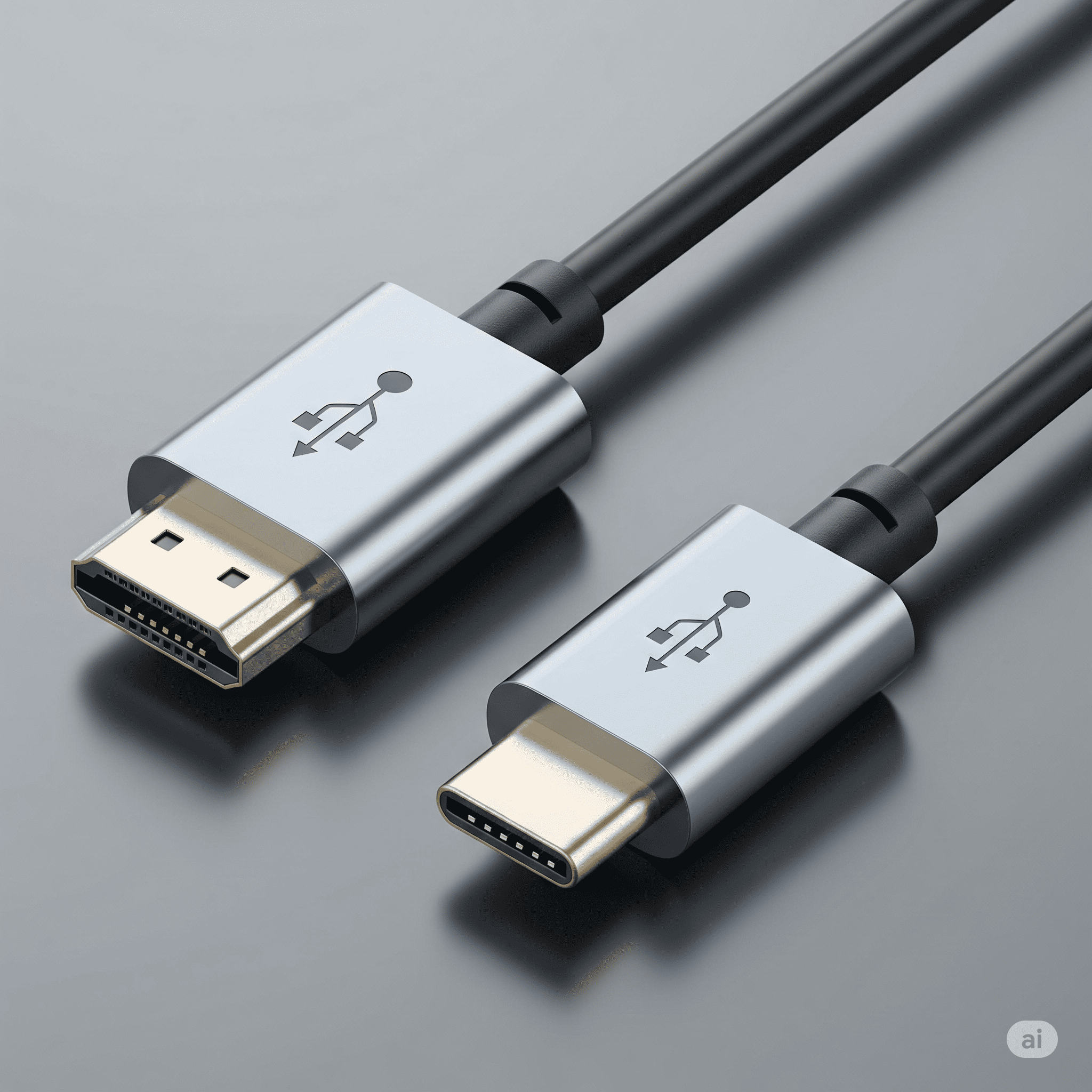
HDMI to USB-C, a versatile connectivity solution, is rapidly becoming a go-to for connecting various devices. From gaming consoles and TVs to laptops and mobile devices, this adapter offers a convenient and often necessary bridge between disparate technologies. This guide dives deep into the nuances of HDMI to USB-C, exploring its features, applications, technical specifications, troubleshooting, and even future trends
Get ready to unravel the secrets behind this adaptable connector!
This comprehensive exploration covers everything from understanding the different types of HDMI to USB-C adapters to troubleshooting common connection issues. We'll examine the technical specifications, comparing them to other connectivity options, and discussing potential compatibility problems. We'll also delve into the factors influencing performance and reliability, providing insights into future developments in this rapidly evolving field
HDMI to USB-C adapters are becoming increasingly popular for connecting various devices. They offer a convenient way to bridge the gap between devices with different ports, especially in situations where a direct connection isn't possible. This versatility is driven by the growing number of USB-C ports on newer laptops, tablets, and even some TVs, creating a need for adapters to support older HDMI-equipped devices
HDMI to USB-C adapters come in various forms, each tailored for specific needs. Some focus on simple video output, while others offer audio support as well. Key features to consider include resolution support, data transfer rate, and the presence of audio channels. Different models cater to diverse needs, from basic video mirroring to high-resolution gaming setups
These adapters find numerous applications across diverse scenarios. From connecting gaming consoles to televisions for enhanced entertainment experiences to using them in professional presentations, they offer a flexible solution
HDMI to USB-C adapters offer a compelling alternative to traditional connectivity options. However, understanding their strengths and limitations is essential for informed decisions
Understanding the technical specifications of both HDMI and USB-C is crucial for optimal performance and compatibility. Variations in versions of both protocols can impact functionality
A well-structured troubleshooting guide is crucial for resolving connection issues. This table Artikels common problems and potential solutions
| Troubleshooting Steps |
|---|
| Verify cable connections, adjust display settings, and check for driver updates |
| Check audio settings on both devices, verify the adapter supports audio, and ensure correct cable connections |
| Ensure both devices support the adapter, try a different cable, and verify correct port selection |
Performance depends on various factors, including data transfer rates and signal quality. Consider these factors when selecting an adapter
The future of HDMI to USB-C technology holds exciting possibilities. Emerging trends and advancements suggest a dynamic evolution
This structure Artikels a comprehensive approach to the article. Logical sections and sub-sections ensure clarity
In conclusion, HDMI to USB-C adapters have revolutionized the way we connect devices, offering a flexible and often superior alternative to traditional methods. This guide has explored the myriad aspects of these adapters, from their diverse applications to potential future developments. We've equipped you with the knowledge and tools to navigate the world of HDMI to USB-C connections with confidence, see more USB B
Now go forth and connect your devices seamlessly
What are the common problems with HDMI to USB-C connections?
Common issues include image distortion, audio problems, and connection failures. Troubleshooting steps often involve checking cable integrity, verifying device compatibility, and adjusting settings
What resolutions and frame rates do HDMI to USB-C adapters support?
Support varies significantly by adapter. Refer to the adapter's specifications for details on compatible resolutions and frame rates. Higher-end adapters often support higher resolutions and frame rates
Are there any compatibility issues with HDMI to USB-C adapters?
Yes, compatibility issues can arise due to differing hardware specifications. Ensure both the adapter and the devices are compatible. Check device specifications for compatibility before purchase
How can I optimize the performance of my HDMI to USB-C connection?
Optimize performance by ensuring a direct and stable connection. Avoid using the connection in harsh environments or through excessive obstacles. Consider the quality of the adapter itself
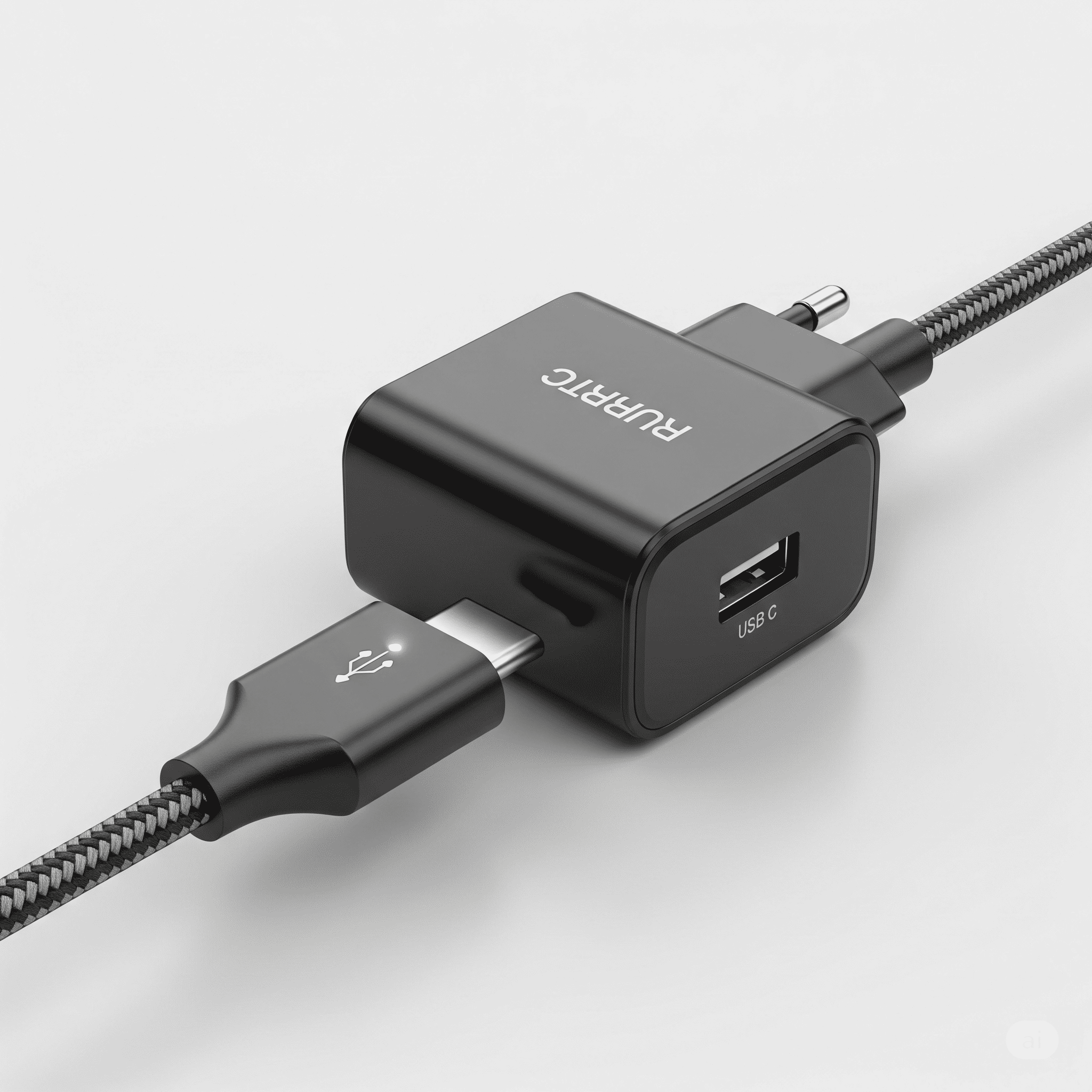
USB-C charger have become essential in our digital lives. From powering smartphones to fueling laptops, they're everywhere. This guide dives deep into everything you need to know about USB-C chargers, covering their history, features, safety, compatibility, and future trends. We'll explore how to choose the perfect charger for your needs and even touch on the environmental impact of these ubiquitous devices
Understanding USB-C chargers is more than just picking a plug; it's about maximizing your device's performance, ensuring safety, and making informed choices for a sustainable future. Get ready to unlock the full potential of USB-C charging
USB-C charging has revolutionized how we power our devices. It's a significant upgrade from older standards, offering a more versatile and efficient charging experience
USB-C charging has come a long way. It's a universal standard, replacing the confusing array of ports found in previous generations of devices. This unification simplifies charging, allowing users to use the same cable for various devices. This advantage is especially crucial for portability and ease of use
USB-C boasts impressive versatility and compatibility. Its reversible design eliminates the hassle of plugging in cables the wrong way. Furthermore, it supports a wide range of data transfer rates, making it suitable for everything from charging to transferring large files. This adaptability is a key reason for its widespread adoption
The adoption of USB-C has had a profound impact on several industries. Manufacturers now prioritize a single, universal port, reducing production costs and simplifying supply chains. Consumers benefit from a more streamlined and user-friendly experience
USB-C's power delivery and data transfer capabilities are key to its success. The technology efficiently delivers power to devices, allowing for faster charging times. Data transfer speeds are also significantly improved, enabling users to transfer large files in a fraction of the time
The adoption of USB-C has spurred innovative device designs. Manufacturers can focus on integrating USB-C ports without worrying about compatibility issues, leading to slimmer and more aesthetically pleasing devices. This emphasis on a unified standard has fostered innovation and design improvements
USB-C charger come in various shapes and sizes, each with its own power output and features. Understanding these differences is essential for selecting the right charger for your needs
Different USB-C chargers cater to varying needs. Fast-charging chargers deliver power quickly, while standard chargers offer a more gradual charging process. The wattage of the charger significantly impacts the speed and efficiency of the charging process
Charger wattage directly affects charging speed. Higher wattage chargers provide faster charging times, but this can also impact battery health. Choosing the right wattage for your device ensures optimal charging without compromising battery life
Selecting the correct charger is crucial for optimal performance. Using a charger with insufficient wattage might result in slow charging or even damage to the device's battery. Conversely, using a charger with excessive wattage isn't beneficial either
USB-C Power Delivery (PD) plays a crucial role in optimizing charging performance. It allows chargers to dynamically adjust power delivery to the device, ensuring efficient and safe charging. This intelligent approach improves the overall charging experience
Safety is paramount when dealing with electrical devices. Understanding the precautions associated with USB-C charging is essential for preventing potential risks
USB-C chargers incorporate surge protection and over-current mechanisms to safeguard against electrical hazards. Using certified chargers and cables ensures safety and reliable charging
Counterfeit USB-C chargers often lack the safety features of genuine products. Using these chargers poses a risk to your device and your safety. Always purchase from reputable vendors to ensure quality and safety
Cable quality directly impacts charging safety. Using a damaged or low-quality cable can lead to electrical hazards and device malfunctions. Invest in high-quality cables for reliable and safe charging
Ensures compliance with EU safety standards
Ensures compliance with US safety and electromagnetic interference standards
Validates the charger's safety and quality in the US
| Standard | |
|---|---|
| European Union | |
| Federal Communications Commission (USA) | |
| Underwriters Laboratories |
Troubleshooting charging issues involves a systematic approach. Checking the cables, ports, and device settings can help identify the problem. If issues persist, consult the manufacturer's support documentation
Compatibility is a critical factor when using USB-C chargers. Understanding device-specific requirements is essential for reliable charging
Different devices have unique charging requirements. Compatibility issues can arise if the charger's output doesn't match the device's specifications
Devices often have specific charging protocols and power delivery needs. Using a charger that doesn't meet these requirements can lead to slow charging or damage to the device
Different devices, such as smartphones, laptops, and tablets, have different charging needs. Understanding these differences helps in selecting the appropriate charger
Different USB-C ports and configurations might have varying compatibility issues. It's crucial to understand the device's specific port type to ensure compatibility
In conclusion, USB-C chargers have revolutionized how we power our devices, offering a blend of speed, versatility, and safety. From understanding the different types to choosing the right one for your needs, this guide has provided a comprehensive overview. We've covered the essential aspects of USB-C charging, from its historical context to its future innovations. Remember to prioritize safety, consider compatibility, and choose environmentally conscious options
Now you're equipped to navigate the world of USB-C charging with confidence!
What are the common charging issues with USB-C chargers?
Slow charging, overheating, or no charging at all can stem from several issues. Check the cable for damage, ensure the port is clean, and try a different USB-C port on your device. If the problem persists, consider the charger's wattage and compatibility with your device
How do I choose the right USB-C charger for my phone?
Look for a charger that matches the wattage recommended by your phone's manufacturer. Higher wattage typically leads to faster charging. Consider the cable's quality, as a poor cable can hinder the charging process. Always prioritize safety certifications
Are USB-C chargers safe?
Yes, modern USB-C chargers are generally safe, but always prioritize reputable brands and check for safety certifications. Using counterfeit or low-quality chargers can pose risks. Pay attention to cable quality and surge protection
What are the environmental impacts of USB-C chargers?
Like any electronic device, USB-C chargers have an environmental footprint. Choose chargers made from sustainable materials, and recycle or dispose of them responsibly when they're no longer needed
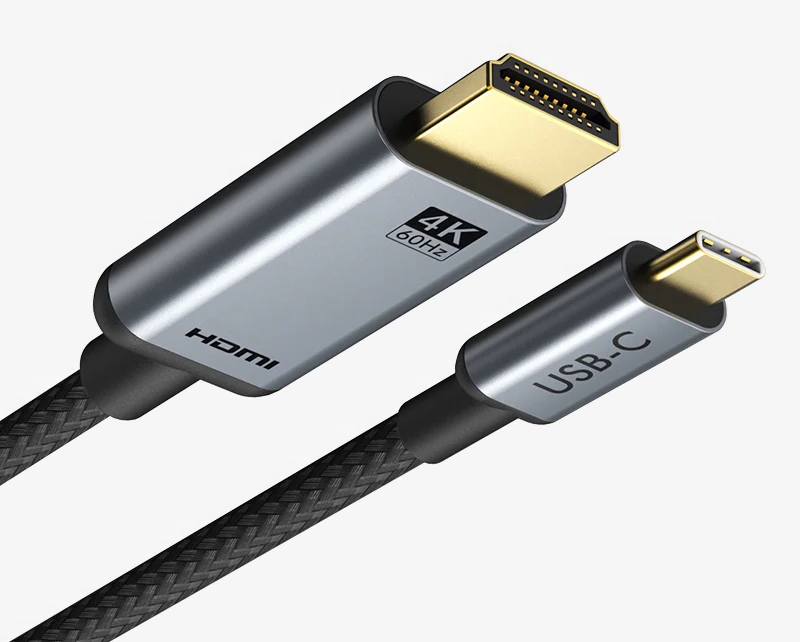
USB-C to HDMI – unlocking a world of visual possibilities. Imagine seamlessly connecting your laptop to a vibrant external display, or effortlessly streaming high-definition content from your smartphone to a large-screen TV. This comprehensive guide dives deep into the fascinating world of USB-C to HDMI adapters, exploring their diverse applications, technical intricacies, and potential pitfalls. We'll explore the different types, their performance, and common troubleshooting techniques
From the sleek simplicity of passive adapters to the powerful performance of active models, we'll analyze the pros and cons of each. We'll also uncover the compatibility secrets, ensuring your devices play nice together. Prepare to navigate the world of resolutions, refresh rates, and the exciting future of this ever-evolving technology
USB-C to HDMI Adapters: A Comprehensive Guide
USB-C to HDMI adapters have become essential accessories for connecting devices with USB-C ports to displays with HDMI inputs. This guide dives deep into everything you need to know about these versatile adapters, from their inner workings to practical applications and future prospects
Introduction to USB-C to HDMI Adapters
USB-C to HDMI adapters are essentially connectors that translate the USB-C port signal into a format compatible with HDMI displays. This allows you to effortlessly extend the screen output of your laptop, tablet, or smartphone to a larger monitor or TV. Different types of adapters exist, each with its own strengths and weaknesses
Using a USB-C to HDMI adapter offers several benefits, such as extending your screen to a larger display, enabling video output from devices without built-in HDMI ports, and offering a convenient alternative to more complex setups. However, some drawbacks include potential compatibility issues with certain devices or resolutions, and the need for an active adapter for higher-quality output
Technical Specifications and Compatibility
Understanding the technical specifications of USB-C and HDMI ports is key to ensuring compatibility. USB-C ports, with their versatility, can transmit video signals, but the specific capabilities depend on the device. HDMI ports, on the other hand, are designed for video output and can support various resolutions and refresh rates. Compatibility issues often arise due to discrepancies in the bandwidth or power requirements between the devices and the adapter
Usage Scenarios and Applications
USB-C to HDMI adapters find extensive use in various scenarios. They allow you to connect laptops to external monitors, enabling more comfortable work or entertainment sessions. They also empower smartphones and tablets to display their content on larger screens, enhancing the viewing experience
Schnap.com.au Product Sourcing
Schnap.com.au likely offers a range of USB-C to HDMI adapters, potentially catering to various needs and budgets. To compare, you might check with other retailers for similar products to assess pricing and features
| Schnap.com.au Product | Features | Price | Comparison |
| Example Adapter 1 | Passive, 1080p | $19.99 | Compare to similar passive adapters from other vendors |
| Example Adapter 2 | Active, 4K | $39.99 | Compare to active 4K adapters from other vendors |
Performance Considerations
Several factors affect adapter performance. Bandwidth limitations can hinder higher resolutions or refresh rates. Latency, the time delay between input and output, can affect responsiveness, especially in interactive applications. High-quality adapters are designed to minimize these issues
Troubleshooting and Common Issues, Usb c to hdmi
Common issues include no video output or poor image quality. These problems often stem from compatibility issues, faulty adapters, or incorrect settings. Troubleshooting usually involves checking connections, device settings, and adapter compatibility
| Problem | Possible Cause | Troubleshooting Steps |
| No video output | Loose connection, incorrect settings, incompatibility | Check connections, adjust settings, ensure compatibility |
| Poor image quality | Faulty adapter, bandwidth limitations | Try a different adapter, check bandwidth requirements |
Future Trends and Developments
Future developments in USB-C and HDMI technologies will likely drive advancements in USB-C to HDMI adapters. Expect faster data transfer rates, higher resolutions, and improved compatibility with various devices
Closure: Usb C To Hdmi
In conclusion, USB-C to HDMI adapters have revolutionized how we connect our devices to external displays. This guide has provided a detailed overview, covering everything from basic functionality to advanced troubleshooting. Whether you're a tech enthusiast or simply looking to expand your visual capabilities, understanding the intricacies of USB-C to HDMI adapters is key. Armed with this knowledge, you'll be able to make informed decisions and connect your devices with confidence, see VGA to HDMI
Essential Questionnaire
Can I use a USB-C to HDMI adapter to connect my tablet to a projector?
Possibly, but it depends on the specific tablet and projector models. Check the technical specifications of both devices to ensure compatibility. Some tablets may not support the necessary output
What are the common reasons for no video output with a USB-C to HDMI adapter?
Several issues can cause no video output. First, ensure the adapter is correctly plugged into both the USB-C port and the HDMI port. Check the display settings on your device, and ensure the correct resolution and refresh rate are selected. Also, make sure the device is powered on
What's the difference between passive and active USB-C to HDMI adapters?
Passive adapters rely on the source device's power for video signal transmission, while active adapters provide additional power to the display. Active adapters typically support higher resolutions and refresh rates but can be more expensive
How do I choose the right USB-C to HDMI adapter for my needs?
Consider the resolution and refresh rate requirements of your display. If you need higher resolutions or refresh rates, opt for an active adapter. Check compatibility with your specific devices, and compare prices and features from various vendors
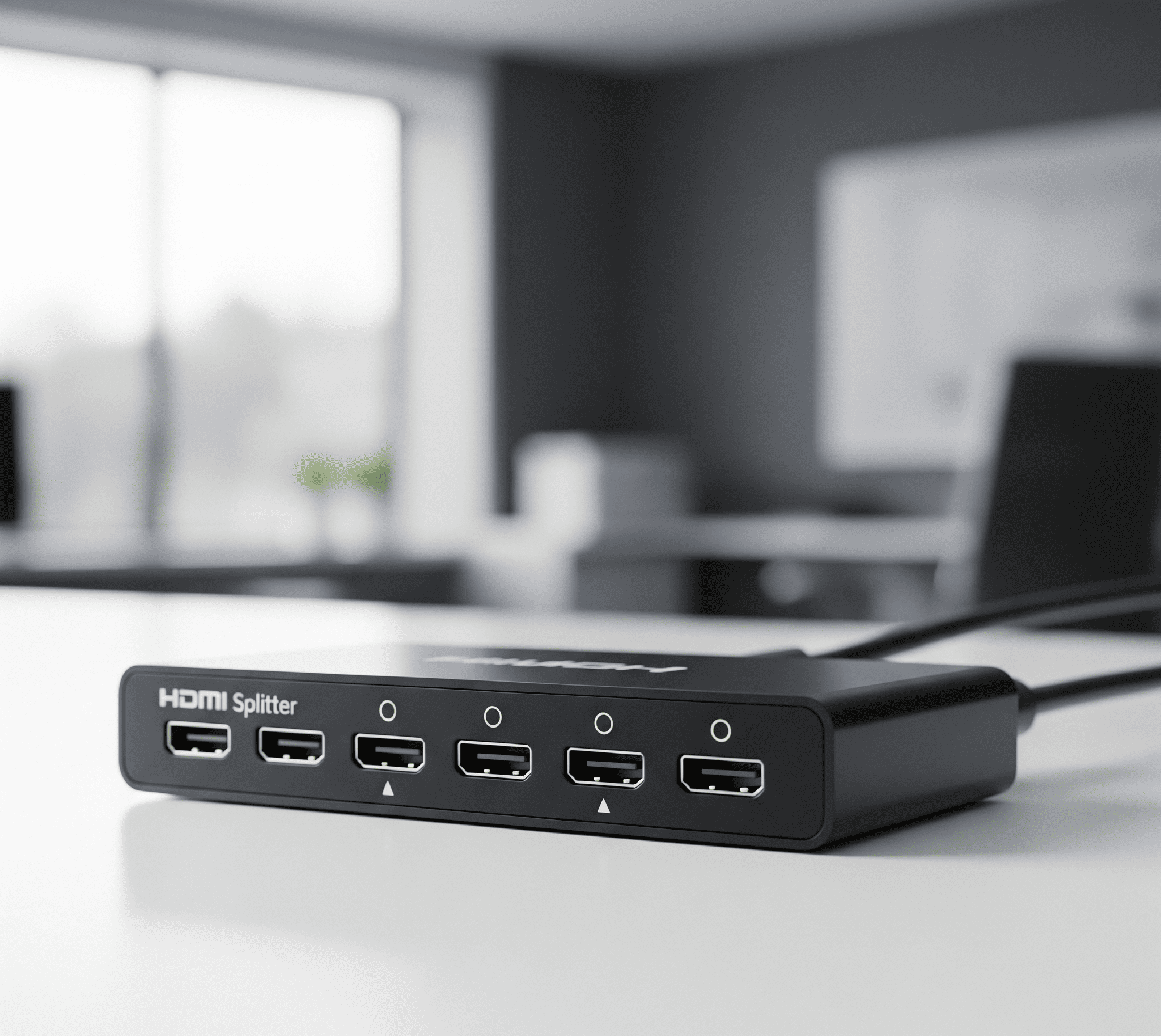
HDMI splitter sets the stage for a captivating journey into the world of multi-screen entertainment. Imagine seamlessly connecting your favorite devices to multiple displays, whether it's a home theater setup or a dynamic presentation. This guide delves into the intricacies of HDMI splitters, exploring their diverse types, features, and applications
Understanding the nuances of HDMI splitter is crucial for maximizing your viewing and presentation experience. From passive models to active ones, each type offers a unique balance of features, performance, and cost. Choosing the right splitter depends on your specific needs, budget, and desired output quality. This exploration will guide you through the selection process and help you make an informed decision
HDMI Splitters: A Comprehensive Guide
HDMI splitters are a valuable tool for expanding your viewing options. They allow you to send a single HDMI signal to multiple displays, making it easy to share content or enjoy a larger viewing experience. This guide covers everything from the basics to advanced applications and troubleshooting
Introduction to HDMI Splitters
HDMI splitters are devices that duplicate a single HDMI signal to multiple displays. They act as a crucial link in expanding your entertainment options. Fundamentally, they take one source (like a Blu-ray player) and distribute the same signal to multiple displays (such as TVs or monitors). There are different types of HDMI splitters, each with its own characteristics
HDMI splitters are commonly used in home theaters, gaming setups, presentations, and even in commercial settings
| Feature | Passive | Active |
| Cost | Low | High |
| Signal Quality | Lower | Higher |
| Signal Distance | Short | Long |
| Power Requirements | No | Yes |
Features and Specifications
Choosing the right HDMI splitter involves considering key features and specifications. Resolution, bandwidth, and supported HDMI versions are crucial factors. The technical aspect of splitting HDMI signals involves careful design to ensure signal integrity
| Model | Resolution | Bandwidth | HDMI Version |
| Model A | 4K | 18Gbps | 2.0 |
| Model B | 8K | 36Gbps | 2.1 |
Selection Criteria
Selecting the appropriate HDMI splitter depends on your specific needs. Understanding signal quality and stability is important
Practical Applications
HDMI splitters enhance multi-screen viewing in home entertainment setups. They are also useful for presentations and home theater setups
| Setup | Source Device | Display Devices | Splitter Type |
| Home Cinema | Blu-ray Player | 2 TVs | Active |
| Gaming | Console | 2 Monitors | Active |
Product Information from schnap.com.au
Schnap.com.au offers a variety of HDMI splitters with different features and specifications. The pricing varies depending on the features and model
| Product | Features | Price |
| Schnap HDMI Splitter A | 4K, Active | $XX |
| Schnap HDMI Splitter B | 8K, Passive | $YY |
Troubleshooting and Maintenance, Hdmi splitter
Common issues with HDMI splitters include signal loss or interference. Proper maintenance can extend their lifespan
Safety Precautions
Always handle HDMI splitters with care. Correct installation and usage are crucial for preventing potential hazards. See HDMI Arc
Conclusive Thoughts
In conclusion, HDMI splitter are indispensable tools for expanding your entertainment and presentation possibilities. By carefully considering factors like signal quality, distance, and cost, you can select the ideal splitter to perfectly suit your setup. This guide has hopefully provided a comprehensive overview, empowering you to confidently navigate the world of HDMI splitting and achieve optimal results
FAQ Insights
What are the common problems with HDMI splitters?
Signal degradation, interference, and incompatibility with certain devices are common issues. Poor cable quality can also contribute to problems
How do I troubleshoot a faulty HDMI splitter?
First, check the connections. Ensure all cables are securely plugged in. If the issue persists, try a different HDMI cable. If still problematic, consider trying a different HDMI splitter
What's the difference between passive and active HDMI splitters?
Passive splitters are less expensive, but they often suffer from signal degradation over longer distances. Active splitters are more expensive but maintain a stronger signal over longer distances, providing better picture quality
What are the safety precautions when using HDMI splitters?
Always ensure the splitter is properly installed. Avoid bending or twisting the HDMI cables, as this can damage the internal components. Ensure proper ventilation to prevent overheating. Refer to the manufacturer's instructions for specific safety guidelines
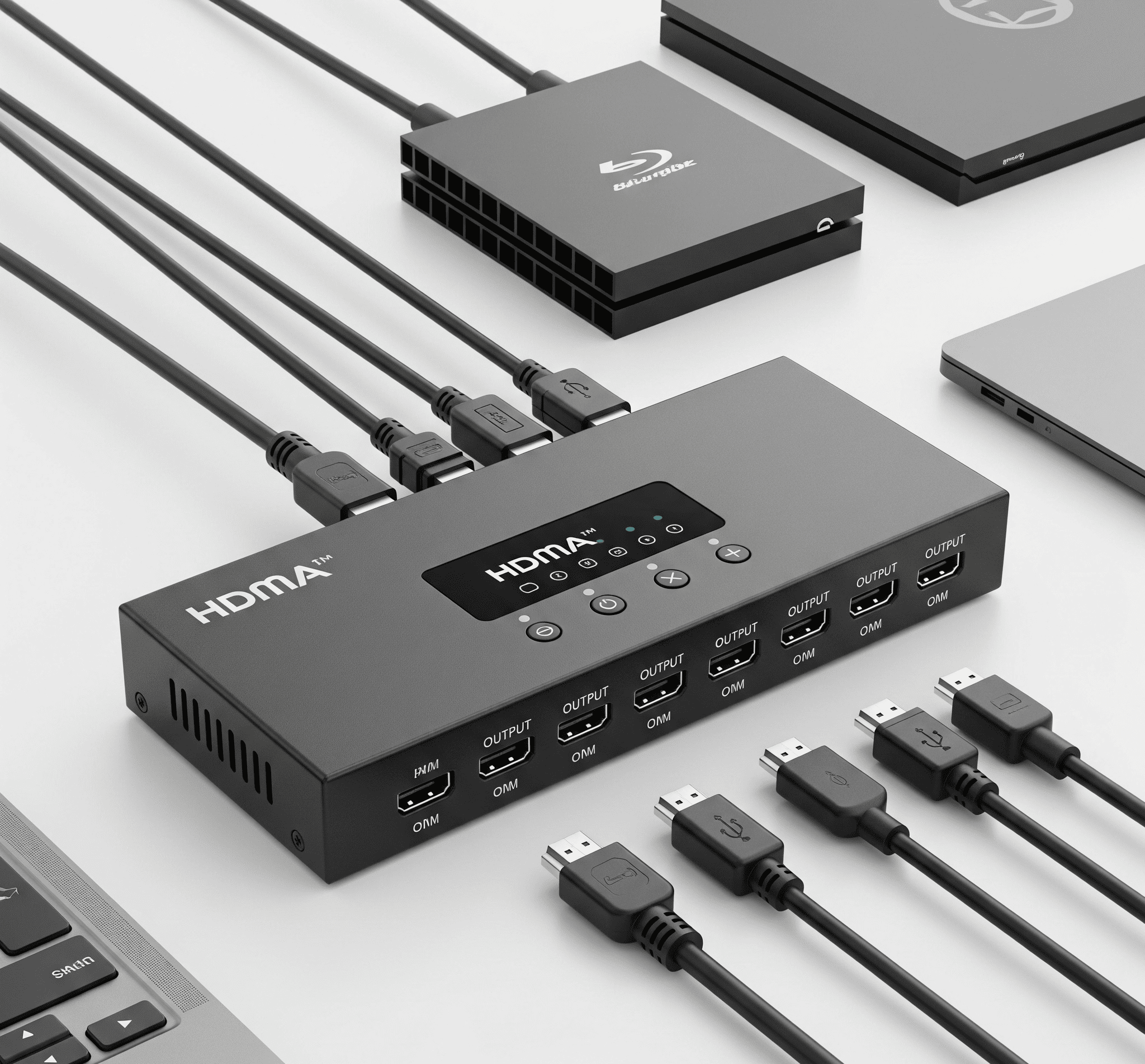
HDMI switch opens up a world of possibilities for connecting multiple devices to a single display. Imagine seamlessly switching between your gaming console, streaming box, and laptop, all on the same screen. This versatile tool is a must-have for home theaters, gaming setups, and even office presentations. Understanding the different types and features is key to getting the best performance and value.
HDMI switches act as a central hub, directing different video sources to a single output. From simple 2-port setups to more complex 8-port configurations, there's a switch tailored to your needs. This detailed guide explores everything you need to know about choosing the perfect HDMI switch for your setup.
Understanding HDMI Switches
HDMI switches are a valuable tool for managing multiple video sources in various setups. They act as a central hub, allowing you to seamlessly switch between different devices, like your gaming console, Blu-ray player, and computer, all connected to a single display.
HDMI Switch Basics
HDMI switcher are essentially electronic gatekeepers for your HDMI signals. They allow you to select which source device displays on your screen, providing flexibility and control. Different types of switches cater to various needs, from simple 2-port setups to more robust 8-port solutions. The key is choosing the right switch for your specific setup.
Types of HDMI Switches
Benefits of Using HDMI Switches
Using HDMI switches offers significant advantages. They simplify cable management, making your setup neater and more organized. Switching between sources is streamlined and intuitive, saving you time and effort. Plus, they provide a more flexible and dynamic way to display different content.
HDMI Switch Comparison
| Feature | Switch A | Switch B | Switch C |
| Resolution | 4K | 1080p | 8K |
| Latency | Low | Medium | Very Low |
| Ports | 2 | 4 | 8 |
HDMI Switch Applications
Choosing the Right HDMI Switch
Several factors influence your choice. Consider your budget, the number of devices you need to connect, and the resolution requirements of your displays. Understanding the technical specifications, like latency and supported resolutions, is crucial. Different brands offer varying strengths and weaknesses.
HDMI Switch Brands
| Brand | Pros | Cons |
| Brand A | High quality, good value | Can be expensive |
| Brand B | Affordable, easy to use | Limited features |
HDMI Switch Sourcing from schnap.com.au
| Product Name | Price | Features | Model Number |
| HDMI Switch Pro | $495 | 4K, 120Hz, 8 Ports | 34MM-HDMX24 |
Troubleshooting HDMI Switch Issues
Common problems include signal quality issues, connection problems, or no signal. Troubleshooting involves checking cable connections, verifying device settings, and ensuring the switch is properly powered.
HDMI Switch and Future Trends
HDMI switches are likely to play a crucial role in future technologies. Emerging technologies will likely require more advanced HDMI switches to accommodate higher resolutions, faster refresh rates, and possibly new features. See HDMI splitter
Closure: Hdmi Switch
In conclusion, an HDMI switch can significantly enhance your multimedia experience by centralizing various devices onto a single screen. This guide has explored the different types, applications, and considerations for choosing the right switch for your needs. Whether you're a seasoned gamer or a home theater enthusiast, mastering HDMI switches empowers you to effortlessly manage your displays and enjoy a seamless visual experience.
Remember to consider your budget, the number of devices you need to connect, and the resolution required for your setup. With the right choice, you'll unlock a world of multi-screen possibilities!
FAQs
What are the common causes of HDMI signal quality issues?
Poor signal quality can stem from several factors, including damaged cables, loose connections, or issues with the HDMI switch itself. It's also important to check if your devices and cables are compatible with the resolution and refresh rate you're trying to achieve.
How do I troubleshoot a "no signal" issue with my HDMI switch?
First, ensure all connections are secure. Try different HDMI cables. If the problem persists, check the input settings on your devices to make sure they're properly configured. Restarting the switch and affected devices can often resolve temporary glitches.
What are the key differences between 2-port and 4-port HDMI switches?
The primary difference is the number of devices they can handle simultaneously. A 2-port switch is ideal for basic setups, while a 4-port switch offers more flexibility for connecting multiple sources. Consider how many devices you need to connect when making your selection.
What is the importance of understanding the technical specifications of HDMI switches?
Understanding specifications like resolution, latency, and port count is crucial for selecting a switch that meets your specific needs. This will ensure compatibility with your devices and prevent frustrating issues later on.
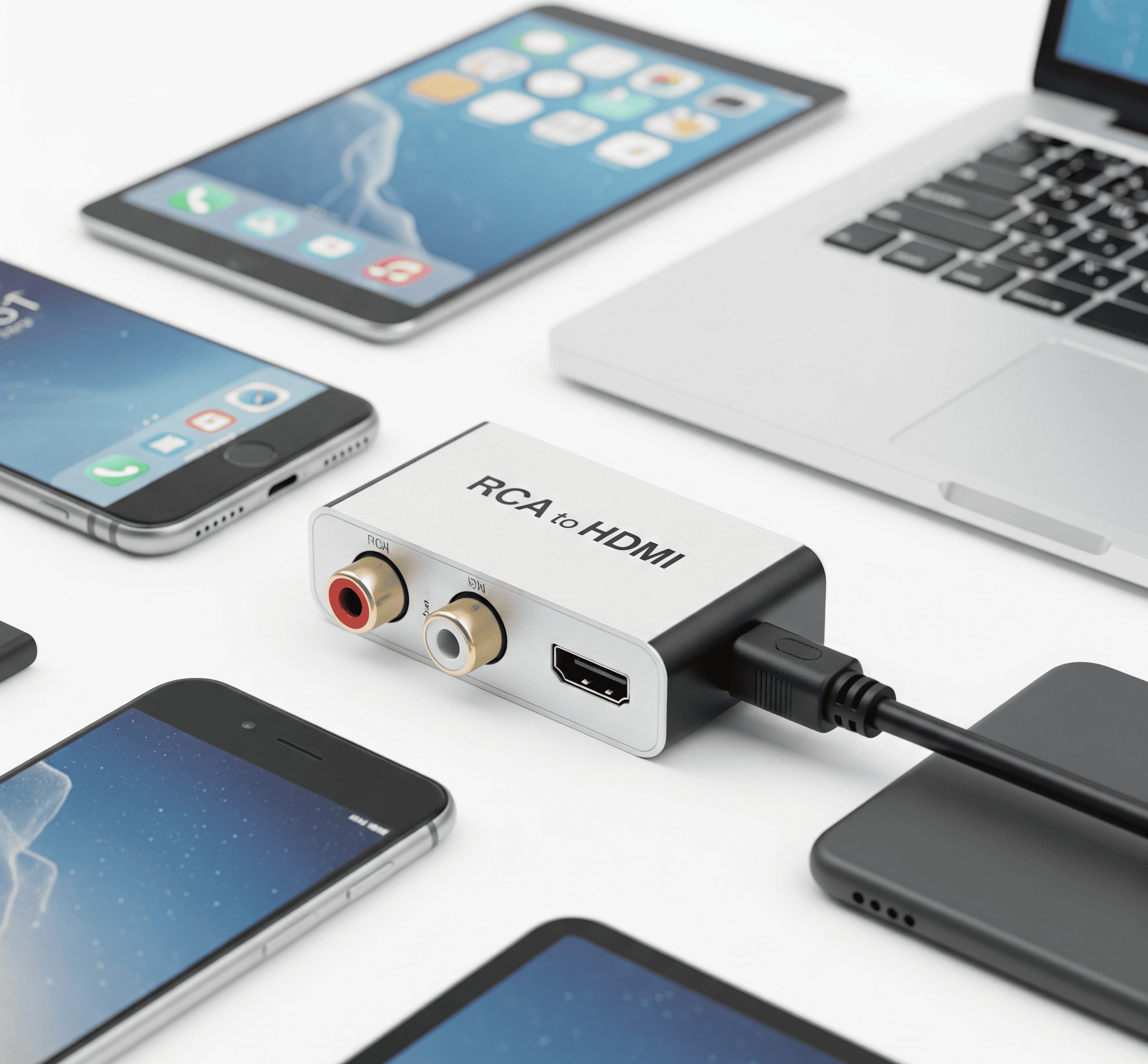
RCA to HDMI: Transforming your vintage visuals into modern marvels! Ever wanted to enjoy your classic game console or older DVD player on a crisp, high-definition TV? This guide walks you through the exciting world of RCA to HDMI conversion, making the leap from those dated connections to the superior clarity of HDMI
This exploration begins by understanding the fundamentals of both RCA and HDMI connections, delving into their technical specifications and historical context. We'll then dive into the various RCA to HDMI converter types, comparing their strengths and weaknesses to help you choose the perfect one for your needs. Learn how to choose the right converter, connect it flawlessly, and troubleshoot potential issues along the way
We'll also cover quality considerations, explore products from Schnapper.com.au, and discuss alternatives, ensuring you have a comprehensive understanding of the process
Understanding RCA to HDMI Conversion
Converting your old RCA video and audio signals to HDMI is a common need for those wanting to enjoy their legacy equipment on modern displays. This guide walks you through the process, covering everything from choosing the right converter to troubleshooting potential issues
RCA and HDMI Connections: A Quick Overview
RCA (Radio Corporation of America) connectors, often found on older devices like DVD players and VCRs, are analog connections that carry both video and audio signals separately. HDMI (High-Definition Multimedia Interface) is a digital connection that carries both video and audio signals simultaneously in a single cable. HDMI offers superior quality and versatility, making it the standard for modern displays
RCA connections have a history dating back to the 1940s, when they were primarily used for broadcast television. HDMI, developed later, leverages digital technology to provide a far superior signal, making it perfect for high-definition video and audio. The difference in quality is noticeable. RCA is often limited in resolution and audio channels, whereas HDMI allows for high-resolution video and multi-channel surround sound
| Feature | RCA | HDMI |
| Video Quality | Lower resolution, susceptible to signal degradation | High resolution, robust digital signal |
| Audio Quality | Lower quality, usually stereo | Higher quality, supporting multiple audio channels (e.g., 5.1 surround sound) |
| Signal Type | Analog | Digital |
Types of RCA to HDMI Converters
Several converter types are available, each with its own characteristics. Some are active, requiring power, while others are passive
Choosing the Right Converter
Several factors influence your converter choice. Consider budget, desired resolution, audio quality, and any special features
Using RCA to HDMI Converters: A Step-by-Step Guide
Connecting RCA to HDMI converters is straightforward. Follow these steps for a successful setup
Quality and Performance Considerations
Signal quality directly impacts the output. Poor quality converters or cables can lead to signal degradation. Using high-quality components is key
Schnapper.com.au Products: Your HDMI Connection Options
Schnapper.com.au offers a variety of HDMI products for your conversion needs. Explore their range to find the right solution, see HDMI switch
Troubleshooting Common Issues, Rca to hdmi
Various issues can arise during conversion. Here are some common problems and their solutions
Alternative Solutions
While RCA to HDMI converters are a popular option, other methods might be more suitable depending on your specific requirements. Consider these options:
Last Word
In conclusion, converting from RCA to HDMI unlocks a world of enhanced visual and audio experiences. By understanding the differences between connections, choosing the right converter, and following our step-by-step guide, you'll seamlessly integrate your older devices into your modern entertainment setup. Whether you're a seasoned tech enthusiast or a curious newcomer, this comprehensive guide empowers you to make informed decisions and enjoy your favorite content in stunning clarity
So, ditch the outdated connections and upgrade your viewing experience today
Commonly Asked Questions: Rca To Hdmi
What are the key differences between RCA and HDMI?
RCA connections typically offer lower resolution and fewer audio channels compared to HDMI. HDMI supports higher resolutions, wider color gamuts, and multiple audio channels, resulting in a significantly improved viewing experience
How do I choose the right RCA to HDMI converter for my needs?
Consider your budget, desired resolution, audio quality, and the specific devices you plan to connect. Check compatibility details and look for features that align with your requirements
What are some common connection problems with RCA to HDMI converters, and how can I fix them?
Loose connections, incorrect settings, or incompatible devices can cause issues. Try checking all connections, verifying device settings, and ensuring compatibility
Are there any alternative solutions to RCA to HDMI conversion?
In some cases, upgrading to newer devices with built-in HDMI ports might be a more direct solution. However, RCA to HDMI conversion is a cost-effective method for integrating older devices into a modern setup
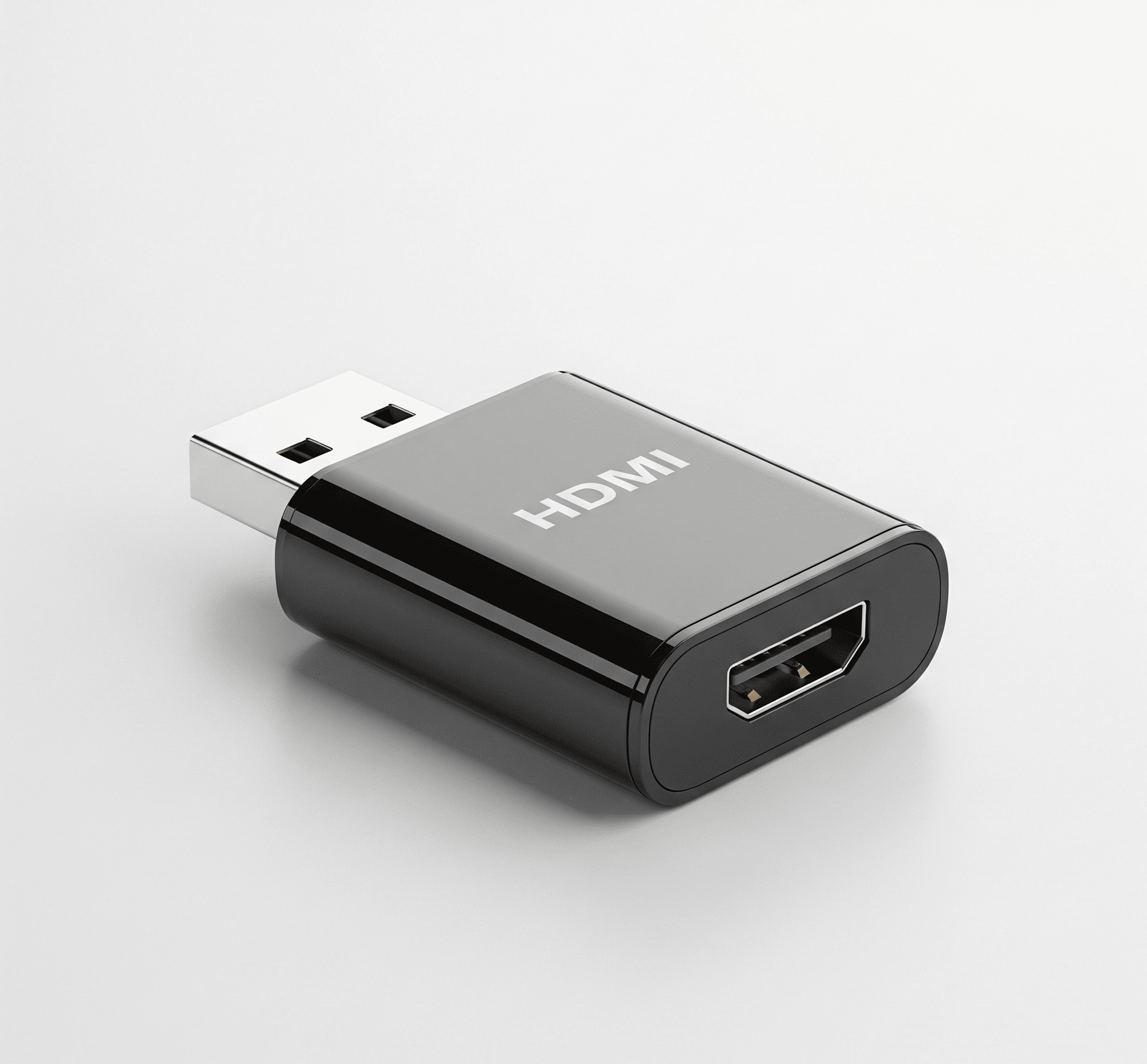
USB to HDMI, a game-changer in connectivity, lets you effortlessly stream visuals from your devices to larger screens. Imagine seamlessly connecting your laptop to your TV for a cinematic viewing experience, or mirroring your tablet's content on a projector. This guide explores the versatile world of USB to HDMI adapters, covering everything from technical specifications to practical applications
We'll delve into the different types of USB to HDMI adapters, examining their strengths and weaknesses. We'll also explore compatibility issues and troubleshooting steps, plus offer a comprehensive product selection guide. Whether you're a tech enthusiast or just looking for a convenient video output solution, this guide has got you covered. Prepare to unlock a world of visual possibilities
USB to HDMI Adapters: A Comprehensive Guide
USB to HDMI adapters are a handy way to connect devices with USB outputs to displays that use HDMI inputs. They're incredibly versatile, making it easy to share content from laptops, cameras, and other devices on TVs or monitors. This guide will walk you through everything you need to know about these adapters, from the basics to future trends
Introduction to USB to HDMI Adapters
A USB to HDMI adapter bridges the gap between devices that use USB for video output and displays that use HDMI. This allows you to extend the functionality of your USB-enabled devices, such as laptops or cameras, to a larger screen. Different types of USB ports exist, and this affects compatibility
Common use cases include:
| USB Port Type | HDMI Compatibility | Pros | Cons |
| USB-C | Generally excellent | Widely available, often high-quality | May require specific cables/adapters |
| USB-A | Can be compatible but less common | Cost-effective | Lower bandwidth, potential compatibility issues |
| USB-mini/micro | Rarely used for HDMI output | Very limited availability for HDMI | Not a practical option |
Technical Specifications and Features
Understanding the technical aspects is key to choosing the right adapter. Bandwidth limitations can restrict the resolution and frame rate you can achieve. Higher bandwidth ports can handle more detailed video
Schnap.com.au offers a variety of adapters with different specifications, enabling you to find the one that meets your needs
Compatibility and Connection
Compatibility issues can arise when connecting devices with different USB ports. Always double-check the compatibility before purchase
| USB Device | HDMI Output Device | Compatibility |
| Laptop with USB-C | Most modern TVs/Monitors | Generally Compatible |
| Older laptop with USB-A | Specific TVs/Monitors | Potentially compatible, check specifications |
Practical Applications and Examples
Connecting a laptop to a TV is a common use case. This allows for a larger screen for presentations, movies, or games
Advantages and Disadvantages
USB to HDMI adapters offer significant benefits.
Future Trends and Developments
Future USB and HDMI technologies may lead to improved performance and power efficiency in adapters.
Product Selection Guide (Schnap.com.au), Usb to hdmi
Schnap.com.au offers a range of USB to HDMI adapters. Choose the right adapter based on your needs
| Product Name | Price | Features | Specifications |
| Example Adapter 1 | $XX | High resolution support | USB-C to HDMI, 4K |
| Example Adapter 2 | $YY | Compact design | USB-A to HDMI, 1080p |
Final Review: Usb To Hdmi
In conclusion, USB to HDMI adapters offer a flexible and often affordable way to expand your visual output options. From simple laptop-to-TV connections to complex professional setups, these adapters have proven their worth. Choosing the right adapter depends on your specific needs and budget, and our guide will equip you with the knowledge to make the perfect selection, see RCA to HDMI
Unlock the power of your digital world with a seamless visual connection. See you on the next adventure
User Queries
What are the common compatibility issues when using a USB to HDMI adapter?
Compatibility issues often arise due to differing USB port types (USB-A, USB-C) and the specific HDMI output device. Sometimes, the USB port on your device might not provide enough power for the adapter, causing issues with video output or causing the device to shut down. Other times, the adapter might not support the resolution or refresh rate your device is trying to output
Double-checking specifications and seeking device-specific information are key to troubleshooting
How do I choose the right USB to HDMI adapter for my needs?
Consider your source device (laptop, phone, etc.) and the destination device (TV, monitor). Check the USB port type and the resolution and refresh rate supported by both. If you need higher resolutions, choose an adapter that supports them. A higher bandwidth adapter is often necessary for demanding applications
Can I use a USB to HDMI adapter with any USB device?
Not all USB devices are compatible with every USB to HDMI adapter. Consider the specific USB port type (USB-A, USB-C) on your device and the supported resolution/refresh rate capabilities of the adapter
What are the potential performance limitations of using a USB to HDMI adapter?
Bandwidth limitations can sometimes limit the resolution and refresh rate supported. Power requirements can also be a factor, as some adapters require more power than others, especially for higher resolutions. Finally, the quality of the cable and the overall setup can also affect performance

SCHNAP Electrical Wholesaler - clear, upfront pricing that professional electricians trust

Get what you need in seconds. SCHNAP electrical wholesaler makes ordering quick and simple

Fast delivery anywhere - that's guaranteed. SCHNAP electrical wholesalers ship nationwide with same-day dispatch

Track your order every step of the way. SCHNAP electrical wholesale keeps you updated from click to delivery

SCHNAP is Australia's premier electrical wholesaler and electrical supplies, marketing thousands of quality products from leading brands. Trusted for nearly two decades by licensed electricians, contractors, and engineers, our range covers everything from basic electrical components to complex industrial electrical equipment
Our key categories include: LED lighting, designer switches, commercial switchboards, circuit protection, security systems & CCTV, and smart home automation
All products are certified to Australian standards (AS/NZS), backed by our 30-day, no-questions-asked return policy. Our expert technical team helps you quickly source the right solution for any residential, commercial, or industrial project, with daily dispatch from our Sydney electrical warehouse delivering Australia-wide
SCHNAP offers the most comprehensive electrical product range, with full technical specifications, application details, installation requirements, compliance standards, and warranties — giving professionals total confidence in every purchase


